Gold Detector - Goldiva
Scan gold-colored jewelry, coins, and metal objects with a photo-first workflow. Goldiva helps you review visible clues such as color, markings, wear, shape, and context before you verify valuable items.
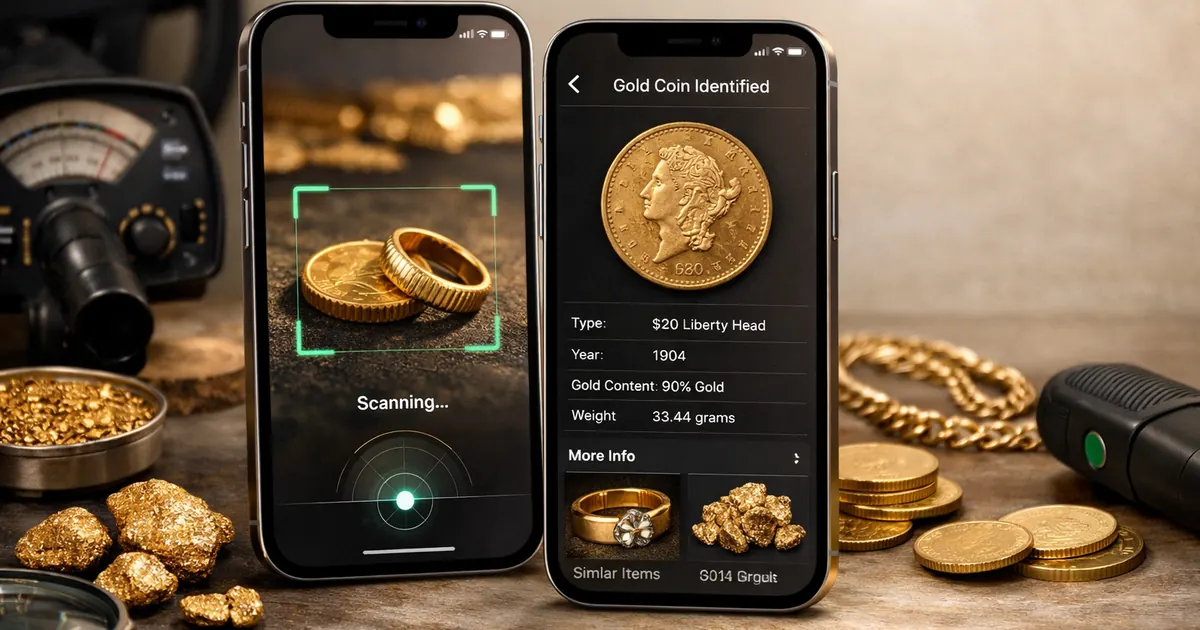
A careful way to research gold from photos
Use Goldiva as a fast research starting point for jewelry, coins, keepsakes, and metal finds while keeping important authenticity and value decisions grounded in verification.
Photo Gold Lookup
Scan from camera or gallery
Capture a full item photo plus close-ups of stamps, clasps, edges, color changes, and worn areas for a clearer visual review.
Visible Clue Review
Look beyond one signal
Review possible clues such as hallmarks, surface wear, color consistency, plating signs, and object type instead of relying on a single photo.
Saved Scan History
Keep findings organized
Save scans and notes while comparing jewelry, coins, metal objects, or estate discoveries over time.
Verification Friendly
Built for cautious decisions
Use app results as a starting point, then verify valuable pieces with proper testing, appraisal, or a trusted specialist.
Scan Gold Items in Three Simple Steps
Turn clear photos into a more organized visual check.
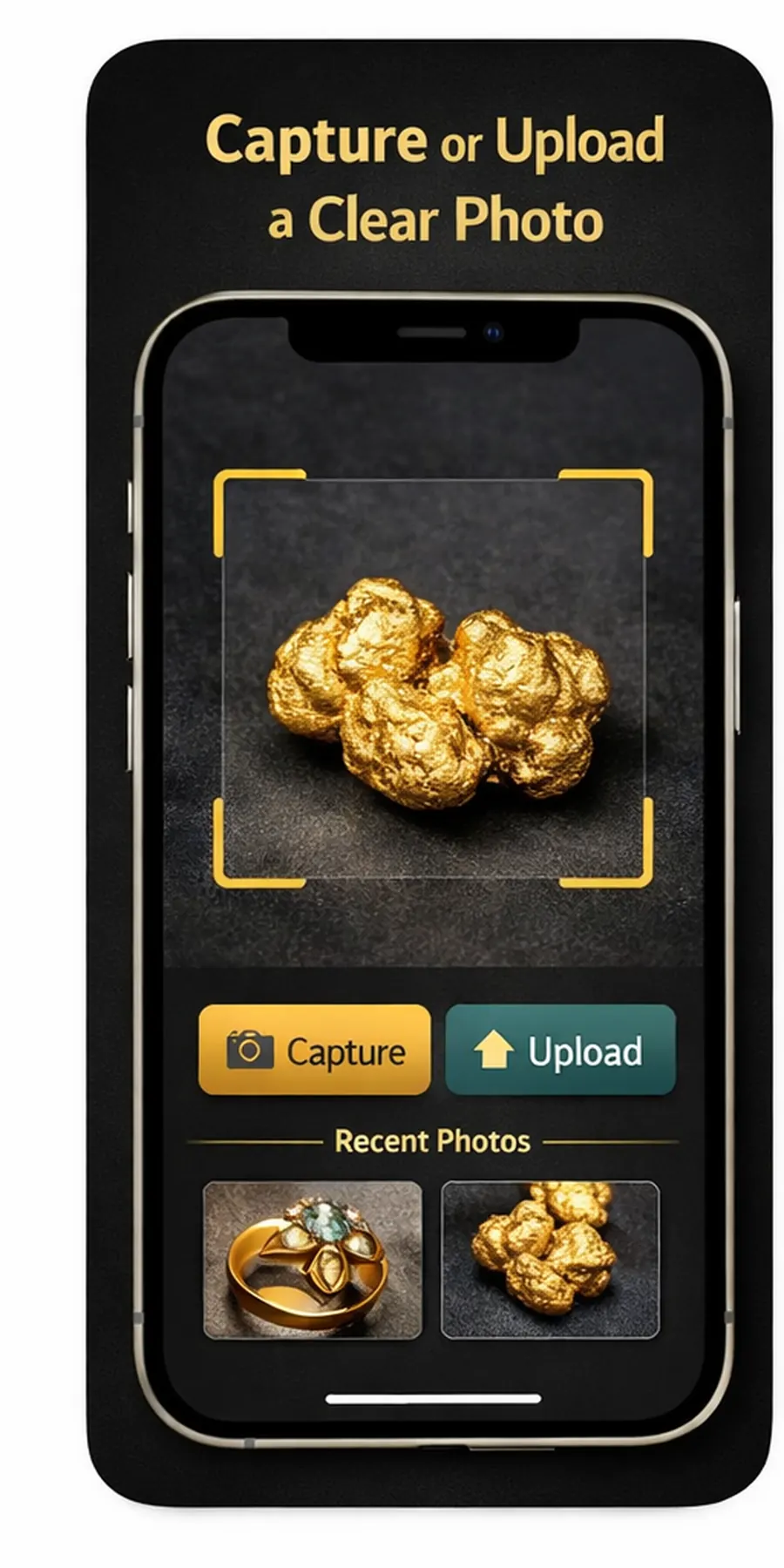
1. Capture the Item
Take a sharp photo of the whole object and add close-ups of stamps, edges, clasps, and worn areas.
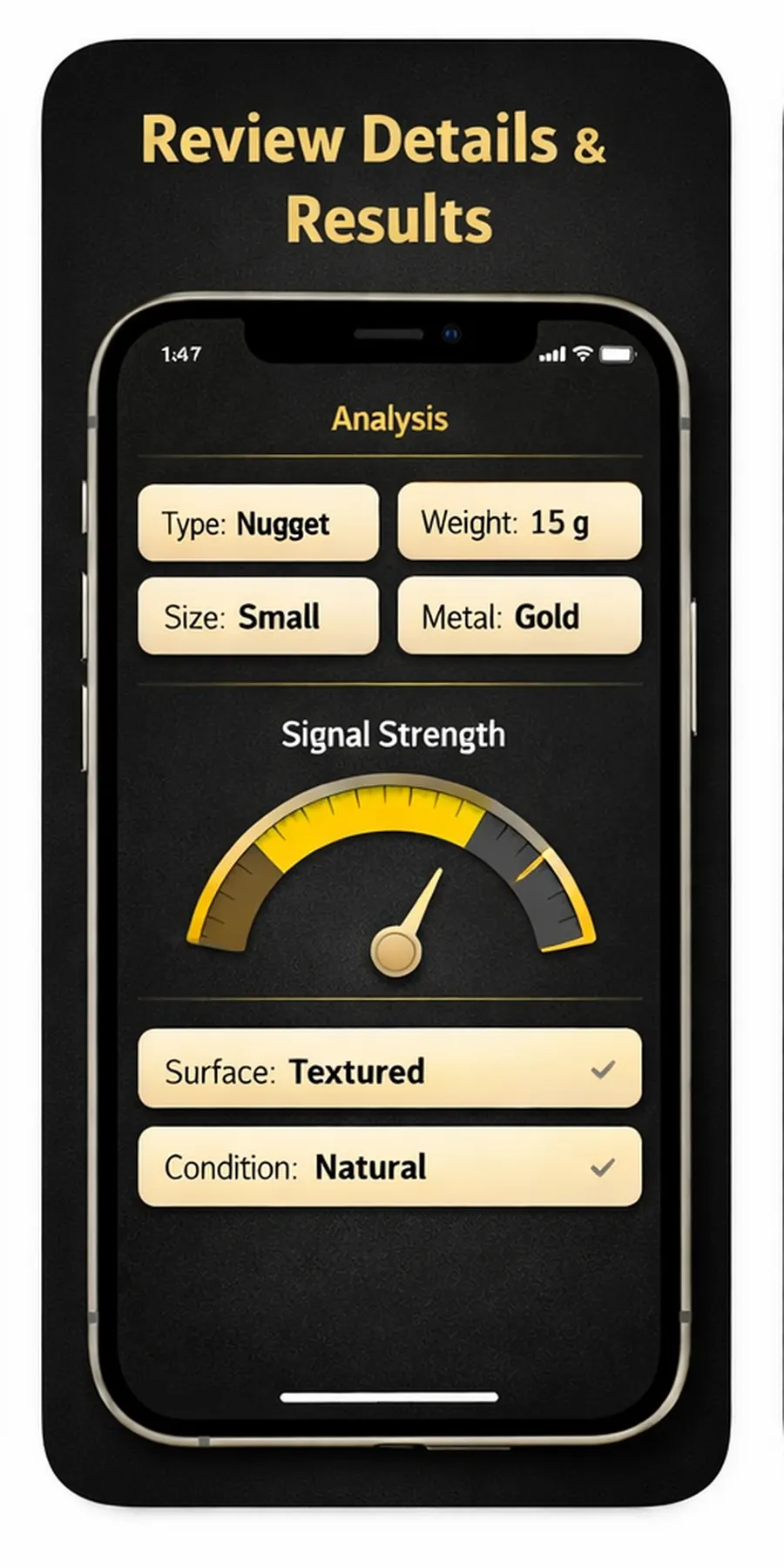
2. Review Visual Clues
Check possible cues such as hallmark visibility, color consistency, surface wear, and object shape.
3. Save and Verify
Save the result as a research note, then confirm valuable or uncertain items with proper testing.
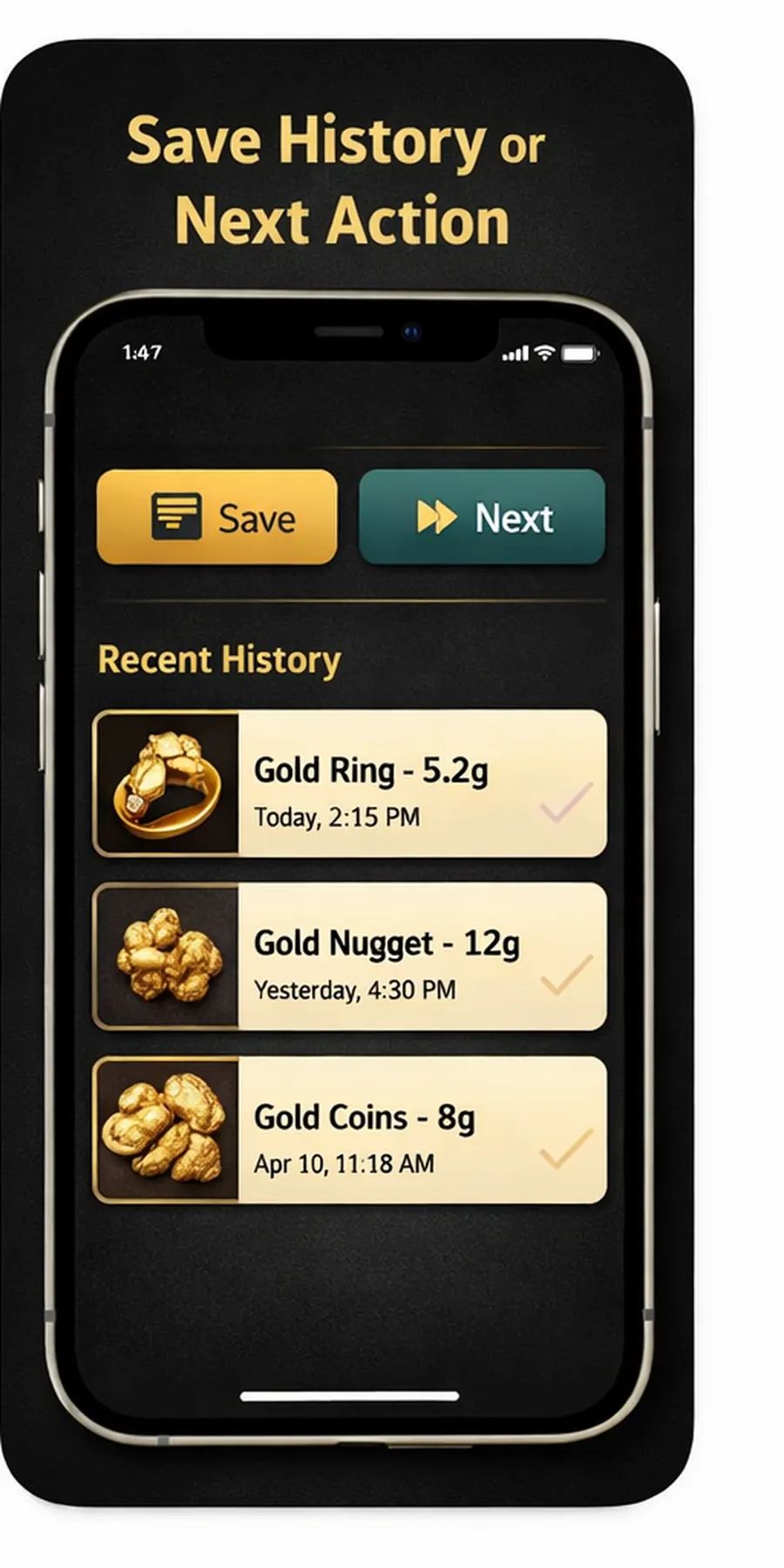
Photo First
Start with camera or gallery images when manual searching is slow.
Cautious Results
Designed for visual research, not unsupported purity or value guarantees.
Useful Records
Keep previous scans easy to revisit while comparing items.
Made for Everyday Gold Checks
Placeholder reviews are included so you can replace them with real customer feedback later. See what users could say about Gold Detector - Goldiva.
Nadia C.
Jewelry Owner
"Goldiva gives me a quicker way to organize visual clues before I decide whether an item needs testing."
Victor L.
Resale Researcher
"The photo workflow helps me keep notes when I am comparing similar jewelry pieces."
Renee S.
Collector
"I like having a simple scan history for gold-colored items I want to research later."
Frequently Asked Questions
Answers about photo gold scanning, visual clues, verification limits, subscriptions, saved records, and privacy.
Can Goldiva prove if something is real gold?
No. A photo can show useful visual clues, but it cannot prove purity, authenticity, or value. Use Goldiva as a research starting point and verify important items with proper testing or a qualified professional.
What photos work best for gold scanning?
Use bright, even lighting and capture the whole item plus close-ups of hallmarks, clasps, edges, worn areas, color changes, and any markings. Avoid glare, blur, heavy shadows, and cropped photos.
Can the app help compare gold plated and solid gold clues?
Goldiva can help you review visible clues such as wear, color consistency, exposed base metal, stamps, and object type. These clues are not final proof, so valuable items should still be tested.
What details should I record with a gold scan?
Helpful notes include the visible hallmark, item type, magnet or acid-test results if you already have them, where the piece came from, and which areas look worn or discolored. Keeping those notes with photos makes later appraisal or professional verification easier.
Can lighting change how gold appears in photos?
Yes. Warm indoor light, flash glare, shadows, reflections, and colored backgrounds can make plated, brass, bronze, or gold-tone items look different. For a better visual review, capture photos in neutral light and include close-ups from more than one angle.
Is Goldiva useful for jewelry, coins, and metal finds?
Goldiva can organize visual research for rings, chains, coins, small keepsakes, estate items, and metal finds. The app is most useful when you treat the scan as a clue checklist and confirm important items with proper testing.
How does the subscription work?
Subscriptions are billed weekly or annually at the rate shown in the selected plan and renew automatically unless canceled in App Store account settings at least 24 hours before renewal.
Can I save previous gold scans?
Yes. Goldiva is designed to keep previous scans and useful notes organized so you can revisit them while comparing items or preparing for verification.
How is my data and privacy protected?
Photos and app data are used to provide gold scanning and saved-result functionality. Review the Privacy Policy for details about data handling, retention, and your choices.
Start checking gold items with Goldiva
Scan photos, review visible clues, and keep useful notes before verifying important jewelry or metal finds.